
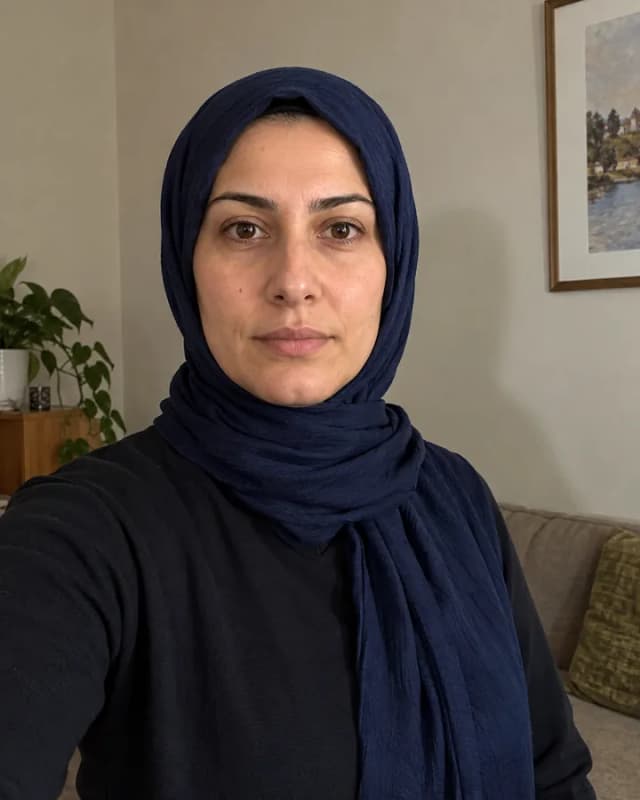
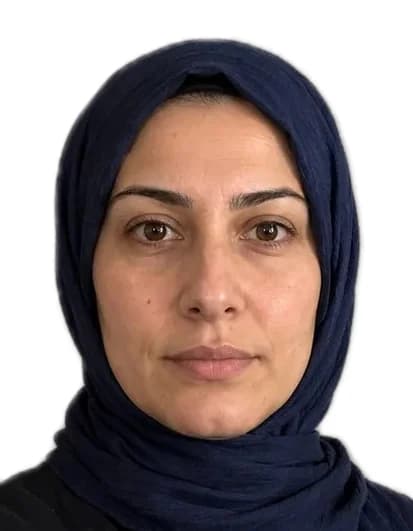
What the checker looks at
The checker measures your photo against the points passport offices use. If a point fails, it tells you in plain words what to change. Many points – background, crop and head size – are fixed automatically when we prepare the photo.
| Check | If it fails |
|---|---|
| Exactly one face visible | Use a photo showing only you – facing the camera, whole face visible. |
| Eye height | Leave a little more space above your head or take the photo from slightly further away. |
| Head size | Frame from the shoulders up – not too close and not too far away. |
| Face resolution | Move a little closer to the camera or use a higher-resolution photo. |
| Face centred | Stand in the middle of the picture and keep your head straight. |
| Space above the head | Leave some space above your hair – the top of the head must not be cut off. |
| Shoulder posture | Face the camera with your shoulders straight and level. |
| Even background | Stand in front of a plain, light wall with no objects or shadows. |
| Shine on the face | Avoid direct light and flash; use soft daylight from the front. |
| Shadows | Light your face evenly, for example by facing a window. |
| Exposure | The photo is too dark or too bright. Try indirect daylight. |
| Neutral expression | Look into the camera with your mouth closed and a neutral expression. |
| Head straight | Look straight into the camera without turning or tilting your head. |
| Eyes visible | Keep your eyes open and clear – no glare on glasses, no hair in front. |
| Face outline clear | Move hair or objects away from your forehead, eyebrows and chin. |
| Red eyes | Turn off the flash and take the photo again. |
| Enough resolution | Use the camera’s original photo, not a screenshot or a forwarded image. |
| Image quality | The image is heavily compressed. Use the original without sending it through a messenger first. |
| Aspect ratio | Use a normal portrait or landscape photo without extreme cropping. |
How to check your photo
- Choose the document the photo is for. Size, pixels and background are set for that country.
- Upload a photo or take one with your phone camera.
- Read the result. A photo marked ready can be downloaded straight away; otherwise take one more shot with the tips shown.
What the result means
Ready means the photo passed the checks as uploaded, or we could prepare a version that does (new background, correct crop). Almost there means something we can’t fix afterwards – for example closed eyes, a turned head or a blurry image – so a new photo is needed.
The checker compares your photo with the published rules. The office you apply to always makes the final decision, which is why we back every purchase with a refund for photo-rule rejections.
Sources · ICAO Doc 9303, Part 3 · U.S. Department of State: passport photos · GOV.UK: photos for passports