Skip to content
ICAOPhotos

Indonesia · Visa photo

Indonesia visa photo size and requirements

Indonesia’s immigration service takes your photo as an upload: a colour JPEG or PNG of at least 400 × 600 pixels, up to 2 MB. Make it from your phone and download a file in that format.

By Arif Ali, ICAO Photos · Updated · Sources

  • Secure checkout
  • Deleted after 24 h
  • Refund if rejected
  • ICAO Doc 9303 checks

1Photo for

2Your photo

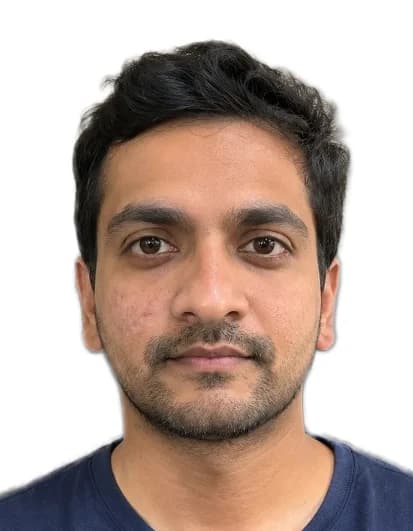
Example: the finished photo, 35 × 45 mm
Ready for your Indonesia visa

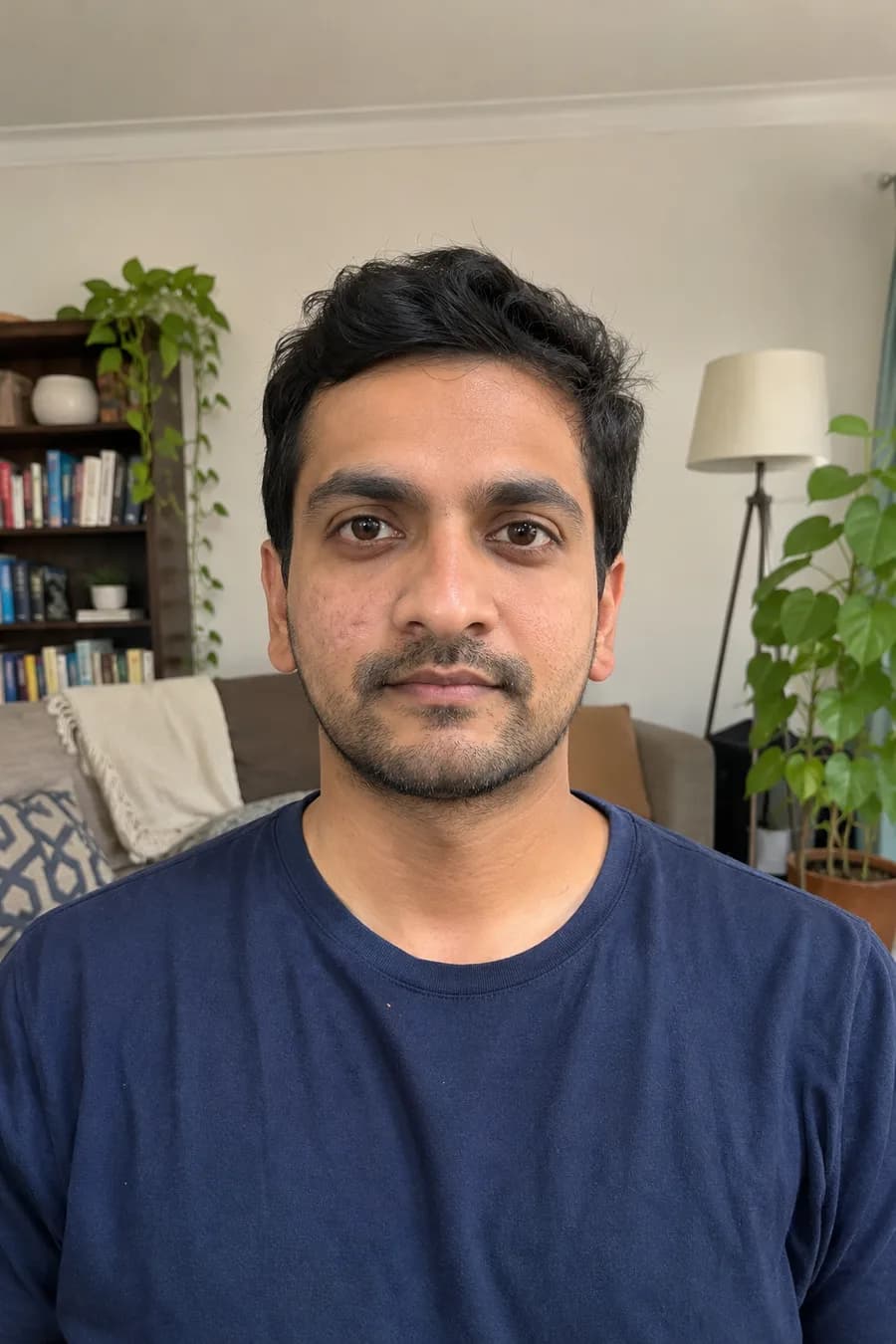
Example with a fictional person · tap Upload to start

ICAO checks

  • Head size
  • Eye line
  • Background
  • Lighting
  • Expression
  • Glasses

We fix the background, crop it to 35 × 45 mm and check it for you.

  • Face the camera, neutral expression
  • Stand near a window, no flash
  • A plain wall helps, but we clean it up anyway

Free check and preview · JPG, PNG or HEIC

Size
35 × 45 mm
Pixels
400 × 600 px
Submission
Upload or print
You get
Digital file + 4 × 6 in sheet

Indonesia visa photo size

ResolutionAt least 400 × 600 pixels
File sizeUp to 2 MB
FormatJPEG, JPG or PNG, in colour
Our file400 × 600 px JPEG on a white background

The official sheet gives the photo in pixels, not in millimetres, because you upload it. Its example uses a red background, but the sheet doesn’t name a required colour.

Indonesia visa photo requirements

The Directorate General of Immigration lists these rules:

  • Top of the head, hair included, to the bottom of the chin: 50–60 % of the image height
  • Eye height, measured from the bottom of the image: 50–60 % of the image height
  • Proper composition: not too close and not too far
  • Not blurry, and showing only your face (no objects or other pictures)
  • No facial expression: a neutral face, no smile

That head share is smaller than the 70–80 % in the general ICAO photo requirements, so choose “Indonesia visa” in the tool rather than a 35 × 45 mm passport format. Before you upload, compare your file with the examples on the official sheet, and follow the upload screen if it shows different limits.

How to make the photo at home

  1. Stand facing a window, about 1–2 m from the camera. Ask someone to take the photo at eye level.
  2. Keep a neutral face, eyes open, hair away from your face.
  3. Upload it above with “Indonesia visa” selected. We replace the background, crop to 400 × 600 px and check the photo.
  4. Download the JPEG and upload it to your application.

Sources · Directorate General of Immigration, Indonesia: photo requirements (Syarat Foto) · ICAO Doc 9303, Part 3

Frequently asked questions

Anything else? Write to us at support@approvavisa.com.

What size is an Indonesia visa photo?

For the online application: a colour JPEG, JPG or PNG of at least 400 × 600 pixels, up to 2 MB. Our file is 400 × 600 pixels.

How big should my head be in the photo?

The official sheet asks for the head, from the top of the hair to the chin, to fill 50–60 % of the image height, with the eyes 50–60 % up from the bottom.

What background does an Indonesia visa photo need?

The official sheet doesn’t name a colour; its example uses red. Our file has a plain white background. If the upload screen asks for a specific colour, follow it.

Can I smile?

No. The sheet lists photos with a facial expression as not recommended, so keep a neutral face.

How much does it cost?

Checking your photo and the watermarked preview are free. The finished photo costs $7.99 once and includes the digital file and a 4 × 6 in print sheet. No subscription.

What if the office rejects my photo?

If an official passport office, embassy or consulate rejects the photo because it doesn’t meet a photo requirement, we refund the full price. Email us within 30 days with your order number and the rejection notice.

Make your Indonesia visa photo now

Free check and preview. You only pay when your photo is ready.

Upload your photo